


Introduction
Welcome to the world of animated flipbooks! If you’ve ever wanted to transform static PDFs, catalogs, or presentations into interactive, engaging digital experiences, you’re in the right place. This guide is designed specifically for absolute beginners—no design experience or technical skills required.
In today’s crowded digital landscape, capturing and holding your audience’s attention is harder than ever. Animated flipbooks offer a powerful solution: they combine the familiarity of page-turning publications with dynamic animations, 3D characters, and interactive multimedia. Whether you’re a small business owner, marketer, educator, or creative professional, this guide will walk you through what animated flipbooks are, why they matter, and how to create them using Fliplify by Visual Paradigm Online—all while showing you how to track results with Google Analytics for maximum ROI.
Let’s dive in!
What Are Animated Flipbooks? (And Why Should You Care?)
The Basics: From Static PDF to Living Publication
An animated flipbook is a digital publication that mimics the experience of flipping through a physical book—but with superpowers. Instead of static pages, you can add:
-
🎬 Smooth page-turn animations with sound effects
-
✨ Motion effects on text, images, and buttons
-
🤖 3D animated characters that walk, gesture, or interact
-
🎥 Embedded videos, GIFs, and Lottie animations
-
🔗 Clickable links, forms, and calls-to-action
Why Animated Flipbooks Work
| Benefit | Impact for Beginners |
|---|---|
| Higher Engagement | Animated elements keep readers scrolling longer (up to 3x more time on page) |
| Better Retention | Visual storytelling with motion helps audiences remember your message |
| Professional Polish | No design skills needed—pre-made templates and drag-and-drop tools do the heavy lifting |
| Mobile-Ready | Flipbooks automatically adapt to phones, tablets, and desktops |
| Easy Sharing | Share via link, embed on your site, or post to social media in seconds |
How to Create Your First Animated Flipbook: A Step-by-Step Beginner’s Guide
Step 1: Choose Your Starting Point
You have two easy options:
-
Convert an existing PDF: Upload your catalog, brochure, or report, and Fliplify instantly converts it into a flipbook.
-
Design from scratch: Use the intuitive visual editor to build your publication page by page—perfect for portfolios, lookbooks, or interactive guides.
Step 2: Add Animations & Interactive Elements
This is where the magic happens. Fliplify makes it simple:
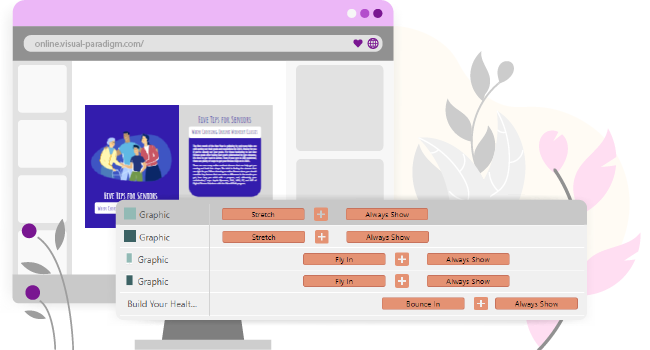
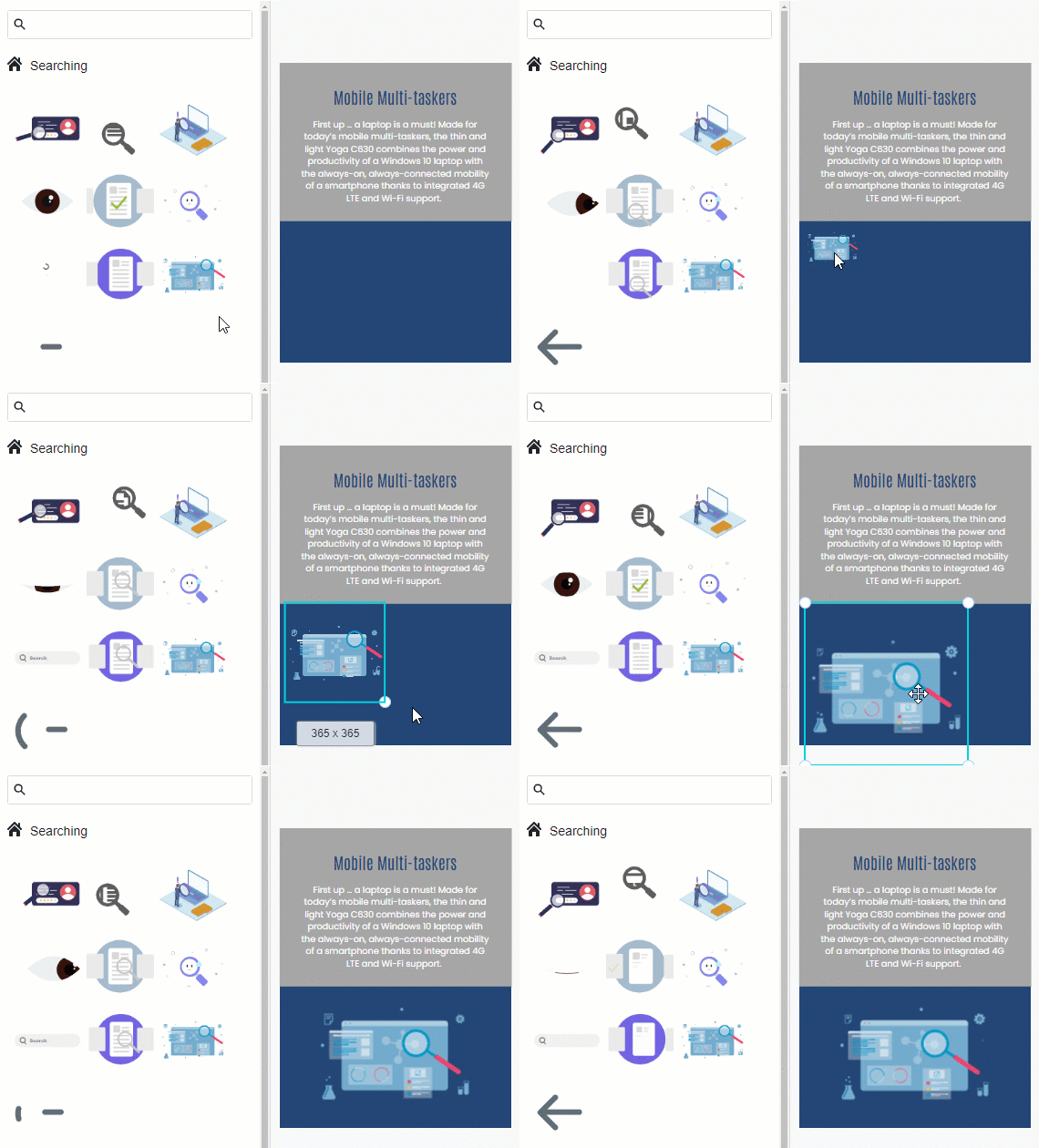
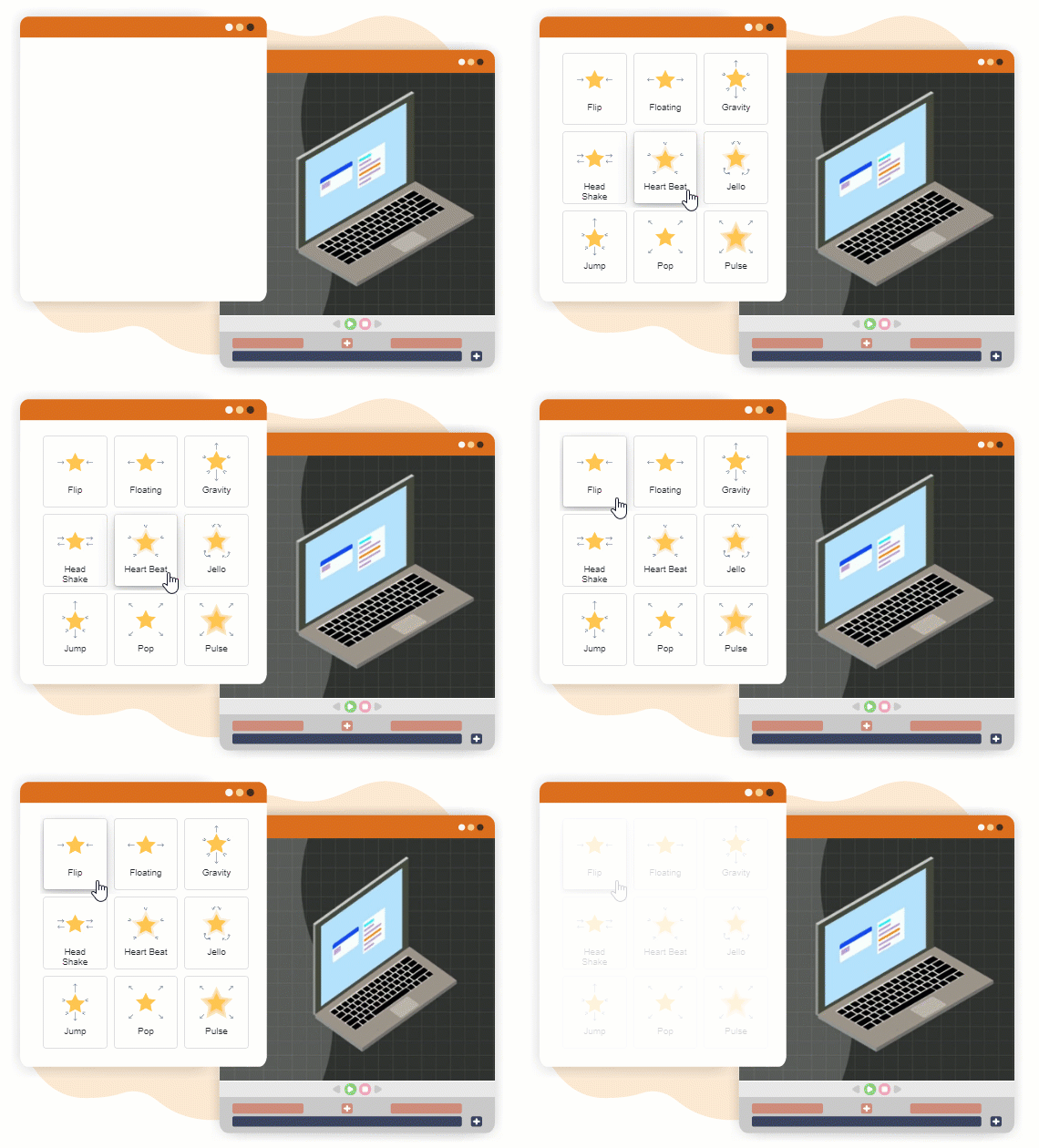
🎨 Ready-to-use animations: Drag and drop pre-made animated assets (like floating icons, bouncing buttons, or scrolling text) directly onto your pages. No keyframing or coding required.
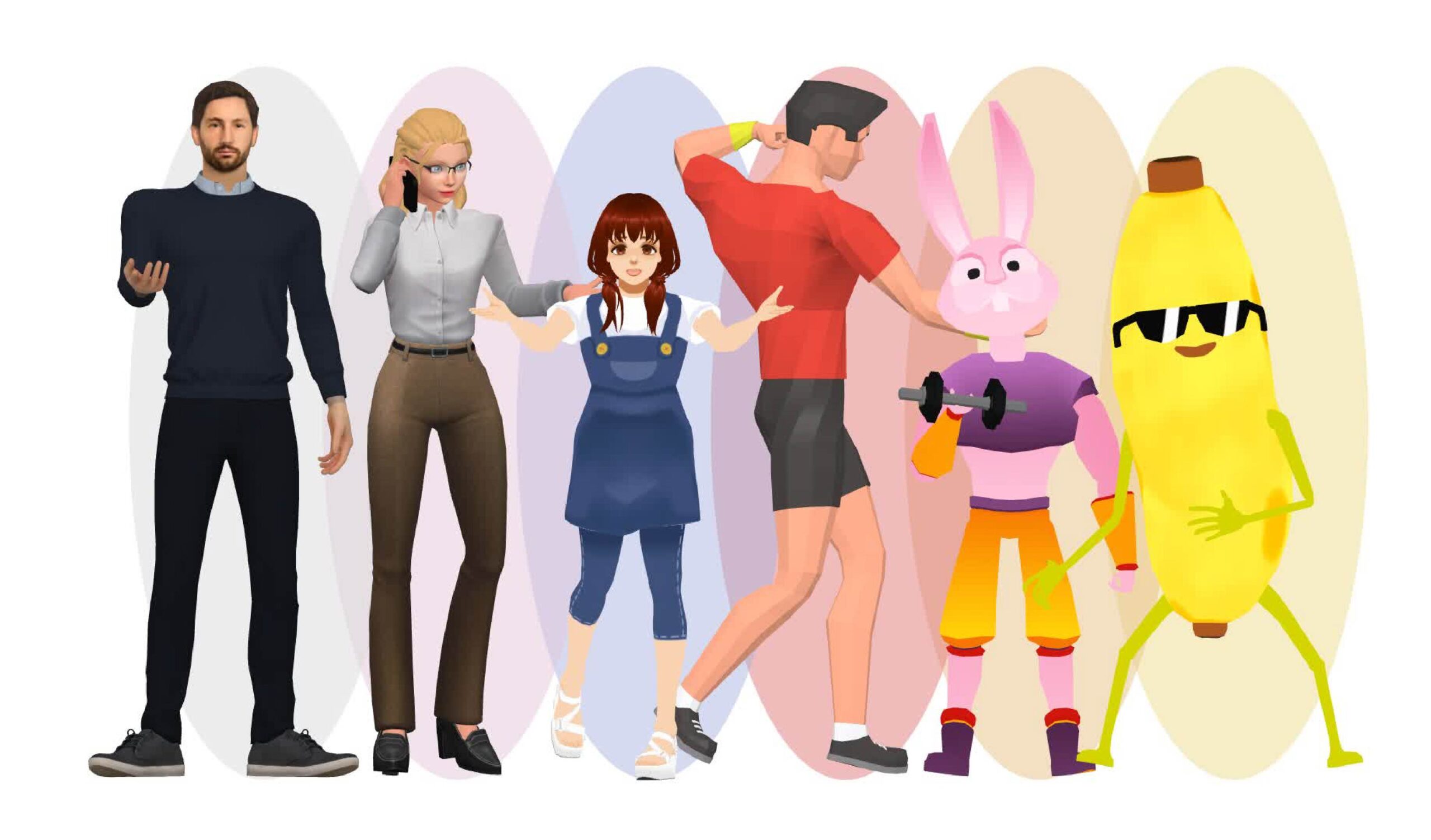
🤖 AniFuzion 3D Characters: Integrate lifelike 3D avatars—from friendly monsters to animated product mascots—that can walk, wave, or demonstrate features. These characters are fully customizable and bring unparalleled interactivity to your content.
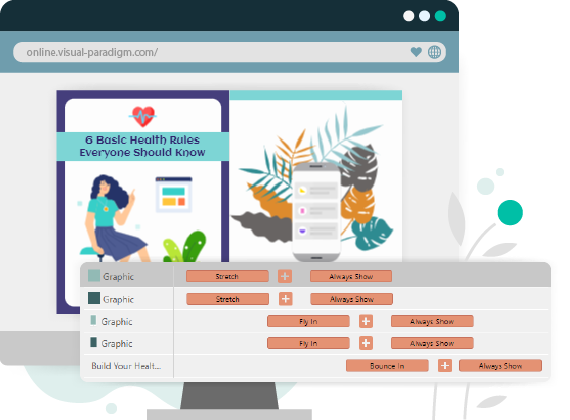
⏱️ Powerful Timeline: Fine-tune exactly when animations trigger. Simply drag time markers on the visual timeline to sequence your elements—like making a character appear after a headline fades in.
🎭 Diverse Effects Library: Choose from 70+ page transitions (fade, cube, wipe) and dozens of element animations. Apply any effect with one click, then customize speed, direction, and triggers.
Step 3: Publish & Share
Once your flipbook looks perfect:
-
Publish online: Host it on Fliplify’s cloud for instant access via any web browser.
-
Self-host (Pro feature): For enterprise control, host the flipbook on your own server/domain.
-
Share everywhere: Copy the link, embed it on your website, or post to social media.
Boost Your Business & Website Traffic with Animated Flipbooks
Turn Passive Readers into Active Customers
Animated flipbooks aren’t just pretty—they’re powerful marketing tools. Here’s how they drive real business results:
✅ Increase Time-on-Page: Interactive elements encourage exploration, signaling to search engines that your content is valuable (hello, SEO boost!).
✅ Improve Conversion Rates: Add clickable CTAs, product demos, or contact forms directly inside your flipbook. A clothing brand saw a 40% lift in click-throughs by embedding “Shop Now” buttons on animated product pages.
✅ Enhance Brand Recall: 3D characters and motion graphics make your content memorable. One B2B company reported that prospects remembered their animated case study flipbook 3x longer than static PDFs.
✅ Expand Reach: Flipbooks are inherently shareable. When readers enjoy your interactive catalog, they’re more likely to share it—organically growing your audience.
✅ Support Multiple Goals: Use flipbooks for:
-
Product catalogs & lookbooks
-
Interactive reports & whitepapers
-
Training manuals & onboarding guides
-
Event programs & portfolios
-
Real estate listings & travel guides
Pro Tip: Repurpose Existing Content
Don’t start from zero! Turn your best-performing blog posts, eBooks, or slide decks into animated flipbooks. Add subtle animations to key stats or embed a testimonial video—small touches that significantly boost engagement.
Track Success with Google Analytics: The Most Effective & Economical Strategy
Why Analytics Matter (Especially for Beginners)
Creating a beautiful flipbook is only half the battle. To ensure you’re getting ROI, you need to measure what’s working. Google Analytics (GA) is the most effective and economical way to do this—because it’s free, powerful, and integrates seamlessly with Fliplify.
How to Set Up Tracking in 3 Simple Steps
-
Add Your GA Tracking ID
In Fliplify’s publish settings, paste your Google Analytics measurement ID (e.g.,G-XXXXXXXXXX). This enables automatic tracking of page views, session duration, and bounce rate. -
Tag Key Interactions
Use Fliplify’s event-tracking feature to monitor:-
Clicks on embedded links or CTAs
-
Completion of page-turn animations
-
Interactions with 3D characters or multimedia
-
Form submissions inside the flipbook
-
-
Analyze & Optimize
In Google Analytics, create custom reports to see:-
Which pages keep readers engaged longest
-
Which animations drive the most clicks
-
Traffic sources (social, email, organic search)
-
Conversion paths from flipbook to purchase/signup
-
Beginner-Friendly Metrics to Watch First
| Metric | Why It Matters | Goal for Beginners |
|---|---|---|
| Average Session Duration | Shows if animations are holding attention | Aim for 2+ minutes |
| Pages per Session | Indicates content depth and exploration | Target 3+ pages viewed |
| Click-Through Rate (CTR) | Measures effectiveness of embedded CTAs | Benchmark: 5-10% |
| Bounce Rate | Reveals if readers leave immediately | Keep under 40% |
| Conversion Rate | Tracks desired actions (signups, purchases) | Start with 1-3% baseline |
💡 Economical Advantage: Unlike expensive A/B testing tools or custom analytics platforms, Google Analytics gives you enterprise-level insights at zero cost. Pair it with Fliplify’s built-in sharing stats for a complete picture—no budget required.
Key Features That Make Fliplify Stand Out for Beginners
While many tools convert PDFs to flipbooks, Fliplify (powered by Visual Paradigm Online) goes further by making advanced animation accessible to everyone:
✨ No-Code Animation: Apply PowerPoint-style motion effects to any element—text, images, shapes—with simple dropdown menus.
✨ AniFuzion Integration: Access 200+ unique 3D/2D characters with automatic motion retargeting. Make a character walk across your page without manual keyframing.
✨ Hybrid 2D/3D Layers: Combine flat illustrations with 3D avatars in the same publication for dynamic visual storytelling.
✨ Cloud + Self-Hosting Flexibility: Start free on Fliplify’s cloud, then upgrade to self-hosting for full brand control and enterprise security.
✨ Optimized for Large Files: Upload massive PDFs (100+ pages) and edit animations in seconds—no lag, no frustration.
✨ Password Protection & Privacy: Share sensitive documents securely with link passwords or domain restrictions.
Pro Tips for Maximum Impact (Even as a Beginner)
🔹 Start Simple: Add just 1-2 animations per page initially. Too much motion can overwhelm readers.
🔹 Prioritize Mobile: Preview your flipbook on a phone. Ensure buttons are tappable and text is readable without zooming.
🔹 Use Characters Strategically: Place 3D avatars near key messages or CTAs to guide the reader’s eye.
🔹 A/B Test Animations: Create two versions of a page—one with animation, one without—and compare GA metrics to see what resonates.
🔹 Update Regularly: Refresh your flipbook seasonally or with new product launches. Animated content encourages repeat visits.
Conclusion: Your Animated Flipbook Journey Starts Now
Animated flipbooks represent the future of digital content—where information meets interaction, and static pages come alive. With Fliplify by Visual Paradigm Online, you don’t need to be a designer, developer, or animation expert to create stunning, engaging publications.
As a beginner, your path is clear:
-
Start small: Convert one PDF and add a single animation.
-
Measure wisely: Use Google Analytics to track what works.
-
Iterate confidently: Let data guide your next creative choices.
The tools are ready. The audience is waiting. And the best part? You can design your first animated flipbook in minutes—not days.
Design your first book and see the difference animation makes.
Reference List
- Comprehensive Guide to Fliplify and AniFuzion: Powerful Tools from Visual Paradigm Online: An in-depth exploration of Fliplify’s core features and AniFuzion integration for creating interactive animated flipbooks.
- The Best Animated Flipbook Maker: The Future of Digital Publishing: Analysis of how animated flipbooks transform static PDFs into engaging digital experiences for modern publishing.
- Top 10 Flipbook Tools in the Market: A Comprehensive Comparison 2025: Detailed comparison of leading flipbook platforms, highlighting Fliplify’s unique animation and 3D capabilities.
- 📘 The Complete Tutorial to Visual Paradigm Flipbook Maker: Step-by-step walkthrough for beginners to master Visual Paradigm’s flipbook creation tools.
- The Complete Fliplify User Journey: From Static PDF to Interactive Digital Publishing: End-to-end guide covering the entire workflow from PDF upload to publishing animated flipbooks.
- Visual Paradigm Flipbook Maker: Elevate Your Digital Presence with Dynamic and Engaging Flipbooks: Official insights on using flipbooks to enhance brand visibility and audience engagement.
- Comprehensive Guide to Creating Animated Content for Flipbooks with Visual Paradigm Online’s Flipbook Maker: Practical techniques for adding animations, transitions, and interactive elements to flipbook projects.
- Introducing Fliplify: The Ultimate Flipbook Creator with 200+ Fun and Fictitious Avatars: Announcement and overview of Fliplify’s AniFuzion-powered character library for playful, engaging content.
- Visual Paradigm’s Flipbook Maker: Setting the Standard for Digital Publishing: Thought leadership piece on how Visual Paradigm is redefining interactive digital publishing standards.
- Why Fliplify by Visual Paradigm Online Stands Out and How AniFuzion Makes It Unbeatable: Deep dive into Fliplify’s competitive advantages, focusing on AniFuzion’s 3D animation engine and motion retargeting technology.
- Why Fliplify by Visual Paradigm Online Stands Out and How AniFuzion Makes It Unbeatable: Comprehensive analysis of Fliplify’s unique value proposition through AniFuzion integration for hybrid 2D/3D content creation.
- Visual Paradigm’s Flipbook Maker: A Game-Changer for Interactive Content: Case studies and examples demonstrating how Fliplify transforms static content into immersive interactive experiences.
 curtis
- Flipbook Maker
- March 26, 2026
